Showing posts with label iMovie. Show all posts

Thursday, March 29, 2018

2nd Grade Animations 2018

2nd graders have completed their alien animations. Students had an opportunity to practice figure drawing and drawing in profile while using the Doink Animation App on the iPads to create a running alien in four poses. Find the lesson description here. Everyone in second grade is finished with their Aliens running loose in the art room animation. Not only did the make one movie, but two movies! The second movie used their alien running on a background that the students drew in the app animation. I moved their videos to iMovie, added some sound effects and music, and labeled each student's alien with his/her name.  All four movies are now uploaded to YouTube and you can find the links below. I hope you enjoy them as much as we did making them!


2A Animations


2D Animations


2B Animations

2C Animations

For the last two weeks, 2nd graders have been experimenting with animation in the art room. The first project focused on flip books creating a ball bouncing. Now, students recently finished using the Doink Animation App on the iPads to create a running alien in four poses. The idea for this project is not originally mine, but from Tricia Fuglestad, an elementary art teacher at Dryden Elementary in Arlington Heights, Illinois.
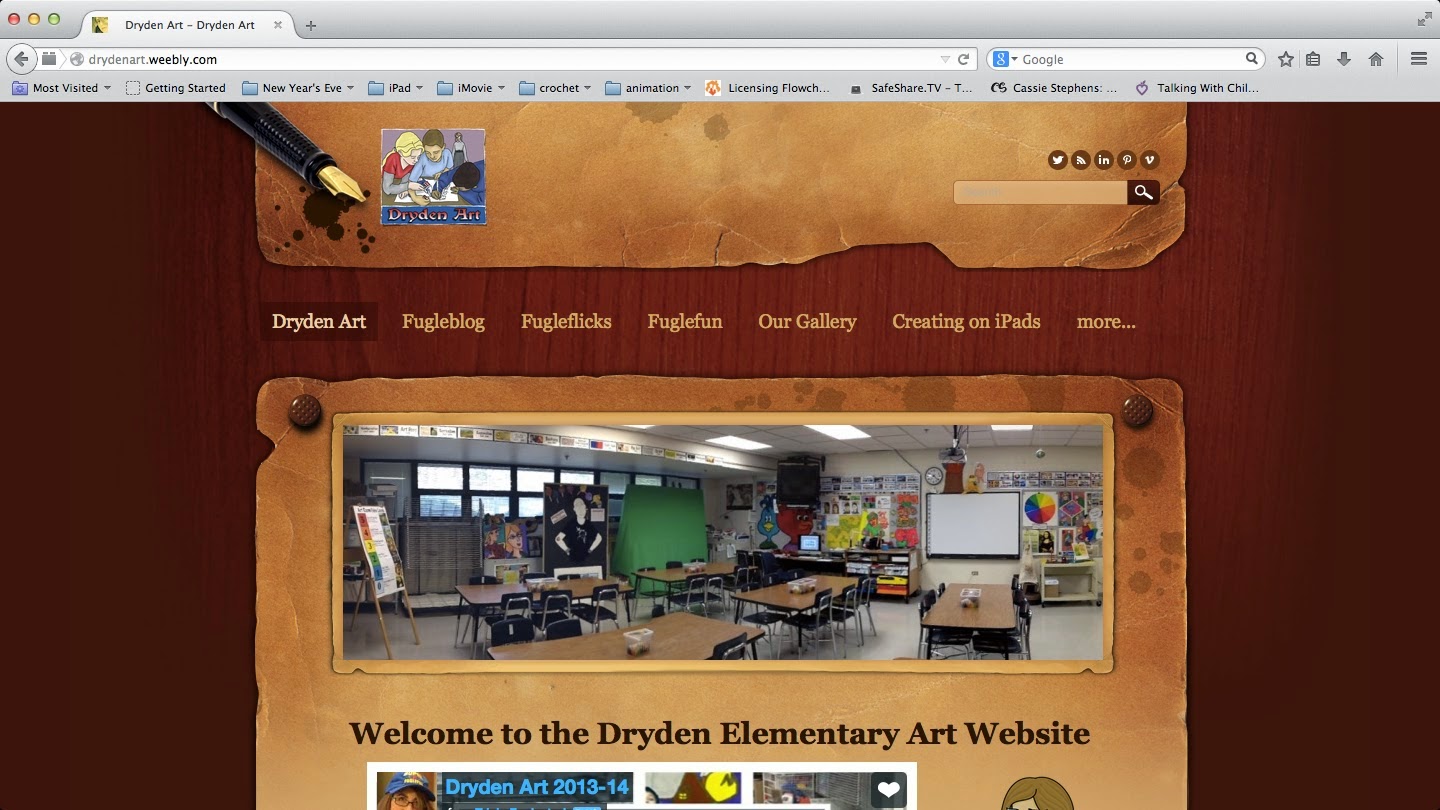
Tricia Fuglestad's blog, Dryden Elementary Art Website

 File provided by Tricia Fuglestad on her blog.
Using the Doink iPad Animation App, 2nd graders drew an original alien in four sequential poses to create the illusion that it is running. Once completed with four poses, students added the alien to a composition of a photo from the art room to give the illusion that the alien is entering from the left and exiting to the right of the photo and running rampant within our art room!
Composition directions for Alien running loose in the Art Room.
Once students finished composing their alien running in the art room, they made a 2nd composition within DOINK by drawing a background for their alien to run such as the alien's home planet, spaceship, or imaginary world. If students finish composition two, they may play in the "cloud" by adding images or animations from online contributors to their 2nd composition. This video was not added to the final video submitted to YouTube.

Monday, February 20, 2017

Landscape Newscasts

I finally finished loading all the green screen landscape news reports to four movies, one movie for each 2nd grade section. Students are so excited to finally have their videos on YouTube. For this project, students were divided into groups of four to five students, together they were assigned one landscape from two artists; Grant Wood or Peiter Bruegel the Elder, and wrote a script before recording their video. Their script needed to include the following descriptions; horizon line, foreground, middle ground, background, overlapping, placement, size, and value. See my previous post explaining this project.

2A Landscape News

2B Landscape News

2C Landscape News

2D Landscape News

Friday, February 20, 2015

Aliens Invade the Art Room

Second grade artists are finishing up final touches on their last animation (soon to be posted) using the ipad app Doink. Find the lesson description here. Everyone in second grade is finished with their Aliens running loose in the art room animation. I moved their videos to iMovie, added some sound effects and music, and labeled each student's alien with his/her name.  All four movies are now uploaded to YouTube and you can find the links below. I hope you enjoy them as much as we did making them!
2A - Ms. Hermsen's Class

2D - Ms. Saber's Class

 
2C - Ms. Johnson's Class

2B - Mrs. Spielmann's class

Monday, January 19, 2015

January 2015 Inservice

Today, our district is hosting a regional in-service with four other area school districts and I am co-presenting with the technology coordinator from the Humboldt Elementary Building. We currently have 35 registered for our class "Engaging Student Creativity with iMovie and Stop Motion Animation". I hope the resources are helpful to those who attend. For more information check out the presentation found on YouTube, as well as the documents that can be found in links below.

January 2015 In-service Presentation

Character, Setting, Plot Planning Sheet
Individual Character Planning Sheet
Storyboard Template
To download the Power Point file or the file images above as PDF's, go to my old classroom website.